
Settings & Troubleshooting

Open settings with the gear button in the library toolbar.

Settings

  • General: Hide References Without A PDF, useful when you share a library with Essayist.
  • Appearance: color themes and the cover style for papers in the library.
  • Zotero Account: connect or disconnect Zotero.
  • Essayist: an introduction to Essayist, shown when it isn't installed.
  • Help: Contact Us, User Guide & FAQ, and Third-Party Acknowledgments.
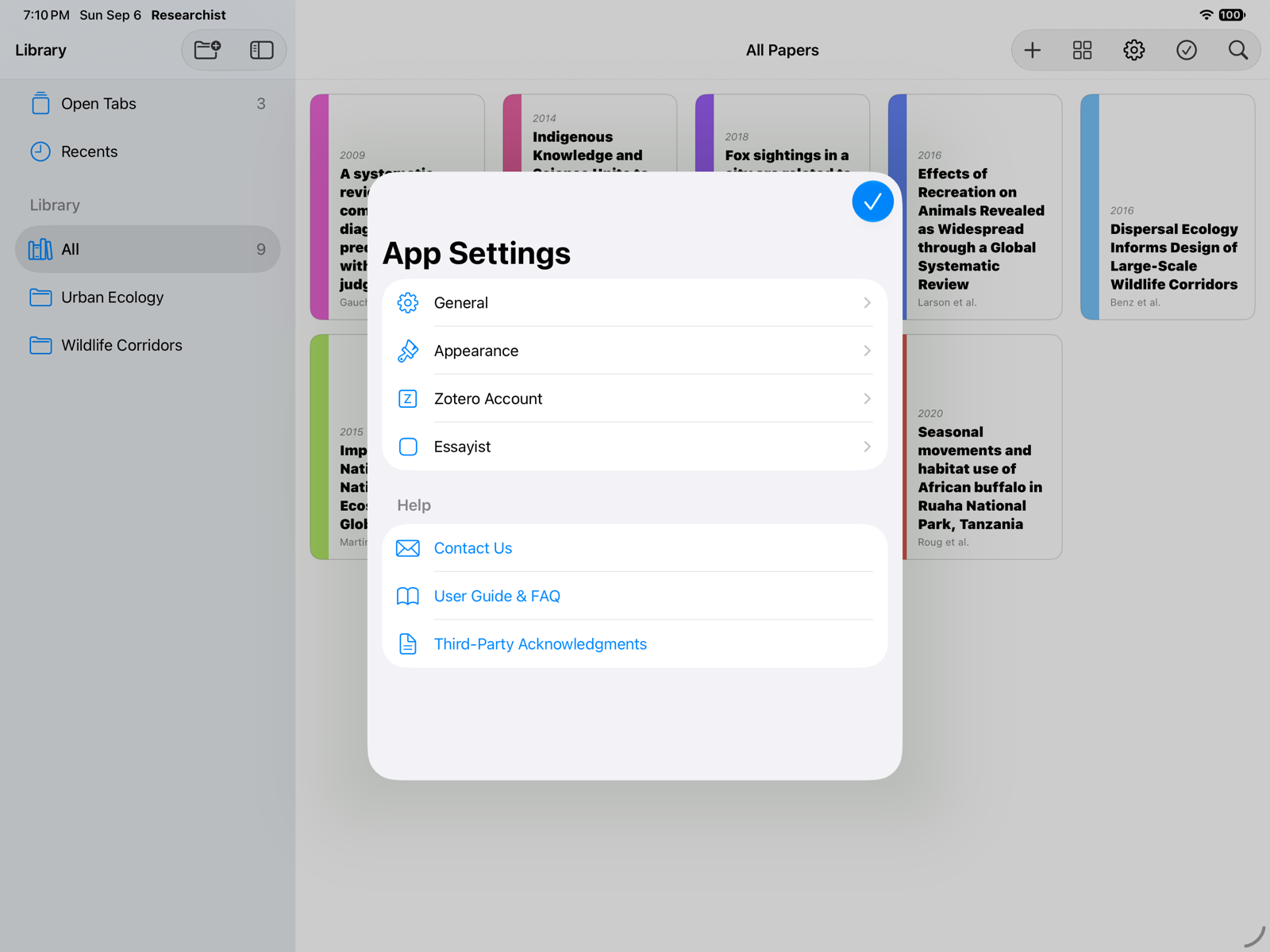
The App Settings screen with General, Appearance, Zotero Account, Essayist, and Help

“Apple Intelligence Required”

Paper Intelligence runs on Apple's on-device models. If the alert says Apple Intelligence is turned off, turn it on in Settings › Apple Intelligence & Siri and try again. If it says Apple Intelligence isn't available on this device, extraction can't run on it, even with a subscription; reading, highlighting, collections, and themes still work, and papers processed on another device sync over.

A summary says it isn't available

Occasionally a section can't be summarized, for example when it is too long for the on-device model. Choose Extract Again to retry; the rest of the results are unaffected.

A paper won't open

The PDF file is not yet downloaded from iCloud means the file is still on its way. Check that iCloud Drive is on and that the device is online, then try again.

Crash reports

Researchist sends no analytics. If the app crashed, it asks on the next launch whether you'd like to Send a crash report. Nothing is sent unless you agree.

Privacy in short

Your papers are processed on your device and never uploaded. Researchist goes online only to look up reference details, download open-access PDFs you ask for, talk to Zotero if you connect it, handle purchases, and sync via iCloud.

Contact us

Choose Settings › Help › Contact Us, or use the email link on this site. For a paper that extracted badly, use Report Extraction Problem… in the paper's tab menu so we get the file.

Settings & Troubleshooting

Open settings from the Researchist menu or with the gear button in the library toolbar.

Settings

  • General: Hide References Without A PDF, useful when you share a library with Essayist.
  • Appearance: color themes and the cover style for papers in the library.
  • Zotero Account: connect or disconnect Zotero.
  • Essayist: an introduction to Essayist, shown when it isn't installed.
  • Help: Contact Us, User Guide & FAQ, and Third-Party Acknowledgments.
The App Settings screen with General, Appearance, Zotero Account, Essayist, and Help

“Apple Intelligence Required”

Paper Intelligence runs on Apple's on-device models. If the alert says Apple Intelligence is turned off, turn it on in System Settings › Apple Intelligence & Siri and try again. If it says Apple Intelligence isn't available on this Mac, extraction can't run on it, even with a subscription; reading, highlighting, collections, and themes still work, and papers processed on another device sync over.

A summary says it isn't available

Occasionally a section can't be summarized, for example when it is too long for the on-device model. Choose Extract Again to retry; the rest of the results are unaffected.

A paper won't open

The PDF file is not yet downloaded from iCloud means the file is still on its way. Check that iCloud Drive is on and that the Mac is online, then try again.

Crash reports

Researchist sends no analytics. If the app crashed, it asks on the next launch whether you'd like to Send a crash report. Nothing is sent unless you agree.

Privacy in short

Your papers are processed on your Mac and never uploaded. Researchist goes online only to look up reference details, download open-access PDFs you ask for, talk to Zotero if you connect it, handle purchases, and sync via iCloud.

Contact us

Choose Settings › Help › Contact Us, or use the email link on this site. For a paper that extracted badly, use Report Extraction Problem… in the paper's tab menu so we get the file.

Return to Help Center